1. Log in to the machine you want to copy from, either by using your card or entering your username and password manually.

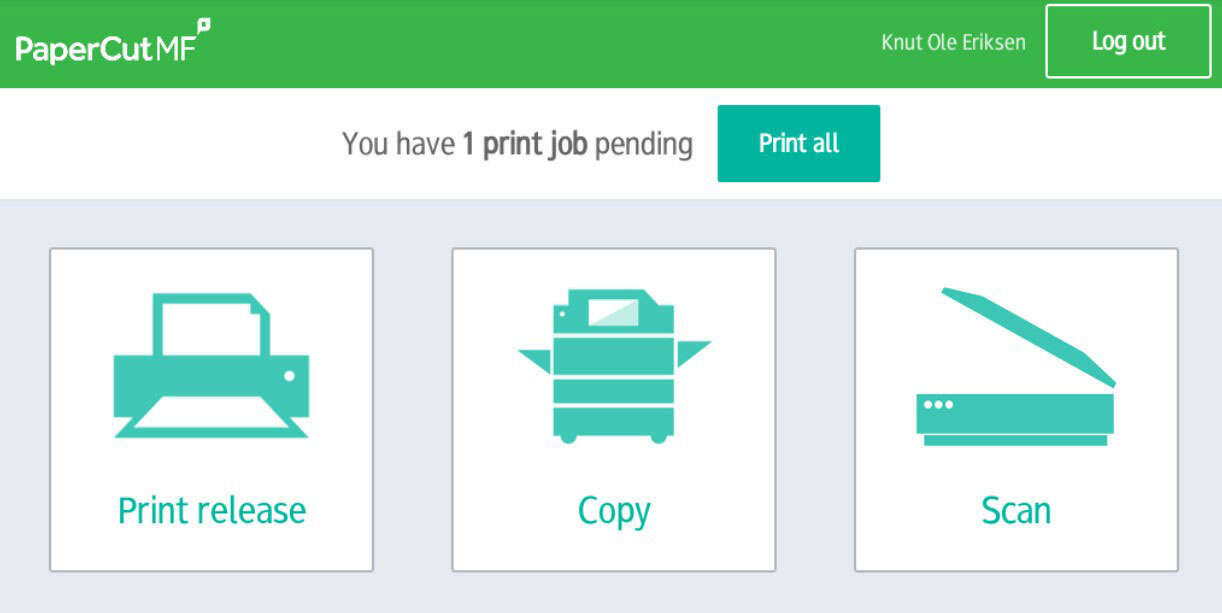
2. Select 'Copy' from the menu
3. Select settings
4. Then copy your documents
Once you have selected the desired settings for the copy, you can copy your documents.
Place your documents in the scanner on the printer by opening the lid, or place your documents in the document tray at the top of the printer.
5. Log out of the printer
Remember to log out of the printer when you are finished.
Press the arrow in the upper left corner, then select 'Log out* at the top of the screen.
Forgot to log out? The printer will automatically log you out after a short period of time.
Need to top up your print account? Follow the instructions here