You can either top up your print account from the self-service machines at UiA Help or digitally as follows:
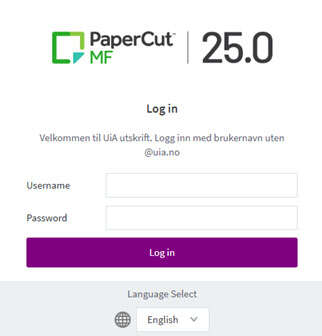
1. Go to print.uia.no by clicking on the link or entering the address in your web browser. Log in with your UiA username and password (without @uia.no).
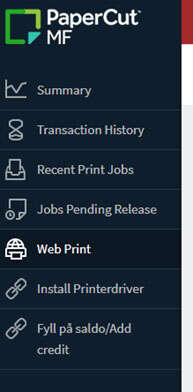
2. Select "Add credit"
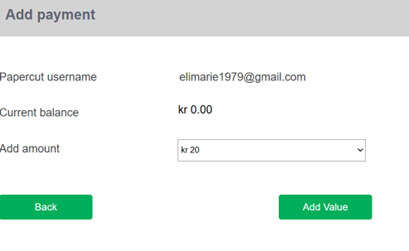
3. Select the desired amount from the drop-down menu and then click "Add value".
Prices:
- Black and white: NOK 0.70 per page
- Colour: NOK 1.00 per page
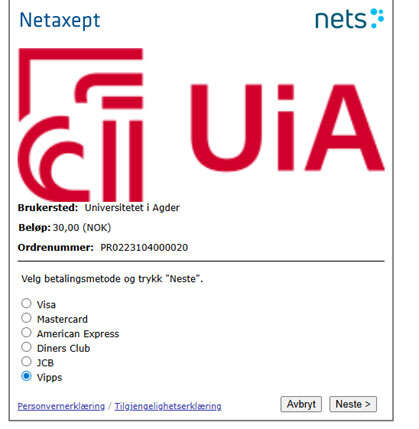
4. Select your preferred payment method and follow the steps below.
5. Your print account has now been updated.