Do you need help?
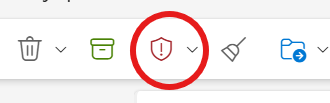
This service is intended to protect staff and assist the Division of IT in identifying unwanted emails sent to the organisation. If a user receives a suspicious email, it should be reported as suspicious in Outlook as soon as possible.
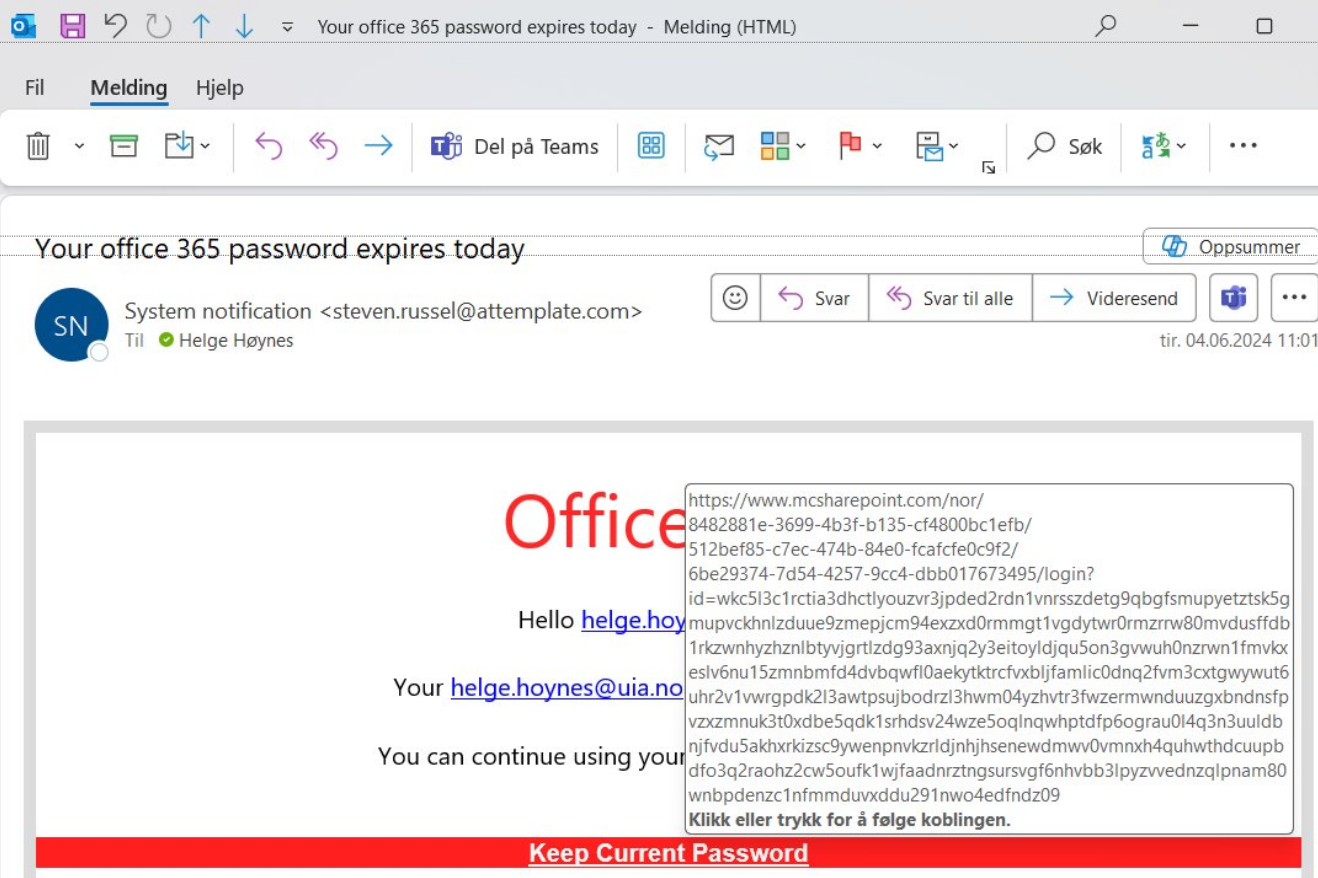
Tips and tricks to uncover phishing attempts
1. Check the sender's address
Does the sender's email address match the content of the email? If not, report it in Outlook. Here are examples where the sender's address don't match:
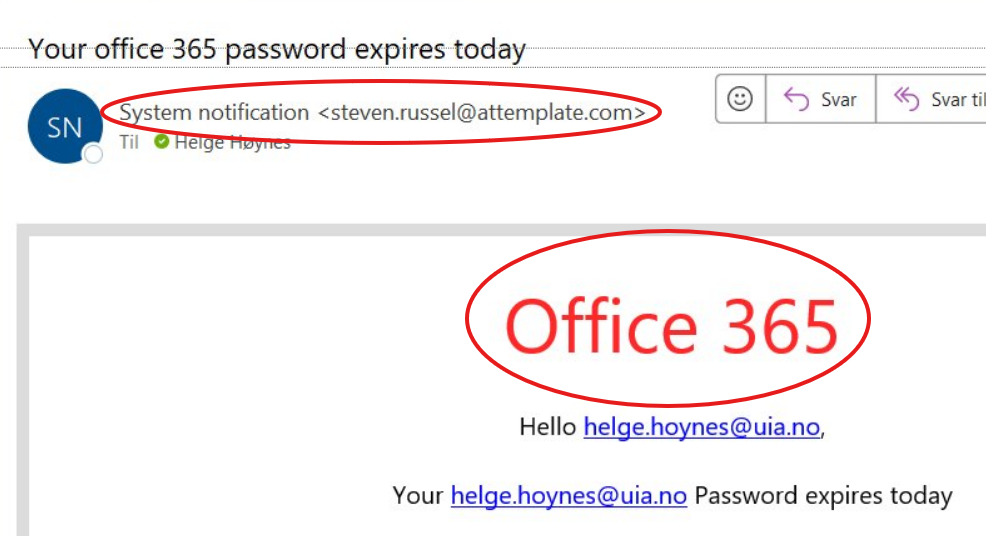
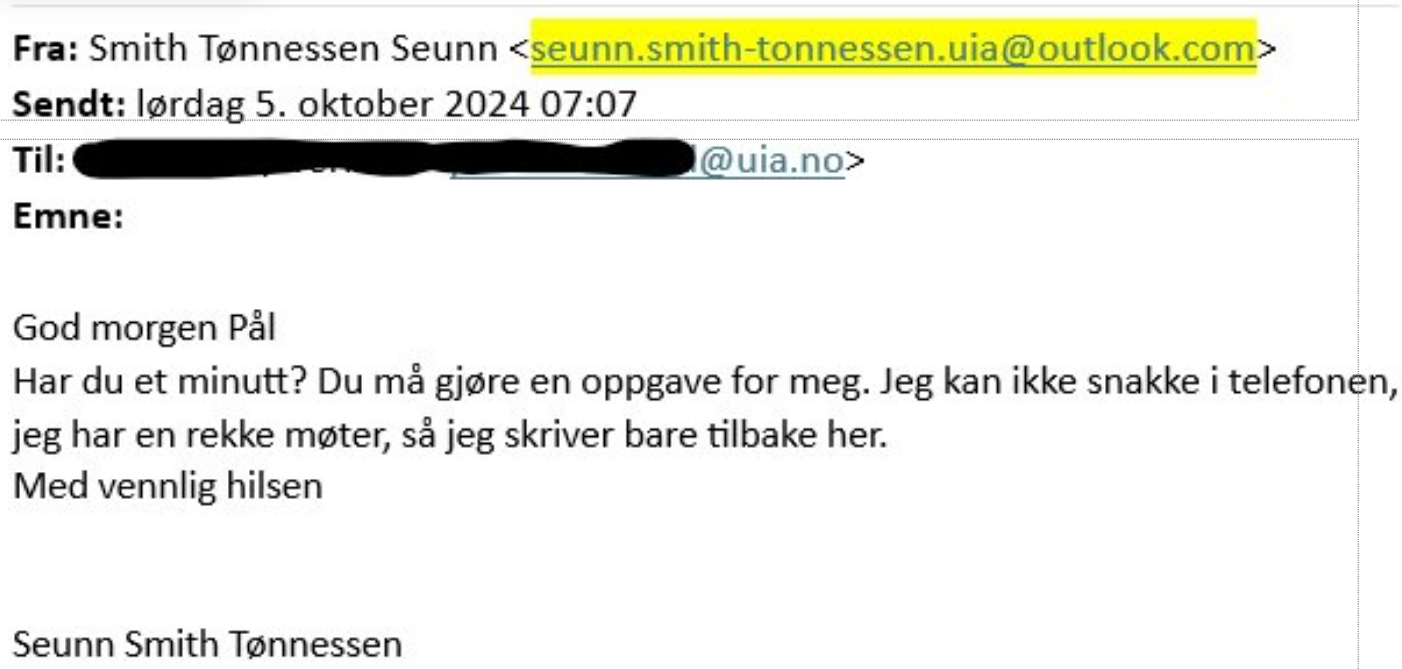
2. Inspect URLs in links
Carefully look at the URLs included in the email. If anything seems suspicious, report it in Outlook. Here is an example of how a phishing URL might look:
3. Report the message in Outlook (or forward to spam@uia.no)
If you suspect the email is a phishing attempt, report it in Outlook. If you are unable to report the email directly, you can forward it to spam@uia.no.