By using the options directly in the timetable, we ensure that information is gathered, up to date, and available in one place for both students and staff.
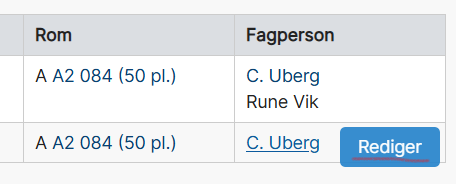
- Find the course you want to edit or add details to in the course timetable or the staff timetable.
- Click “Edit details” or “Edit.”
 |  |
For each individual activity in the timetable, the following can be changed by the academic staff member:
Schedule/Cancel Internal Teaching staff
Schedule/Cancel External Teaching staff
Add/Modify Curriculum with Option to Link to Resources
All guidance is in Norwegian. If you need help with translation, please contact us at timeplan@uia.no.
Contact for guidance if needed

Higher executive officer
- christin.uberg@uia.no
- Phone
- +47 38 14 13 98