1. Log in to the printer, either by using the card or entering your username and password.

2. Print quickly
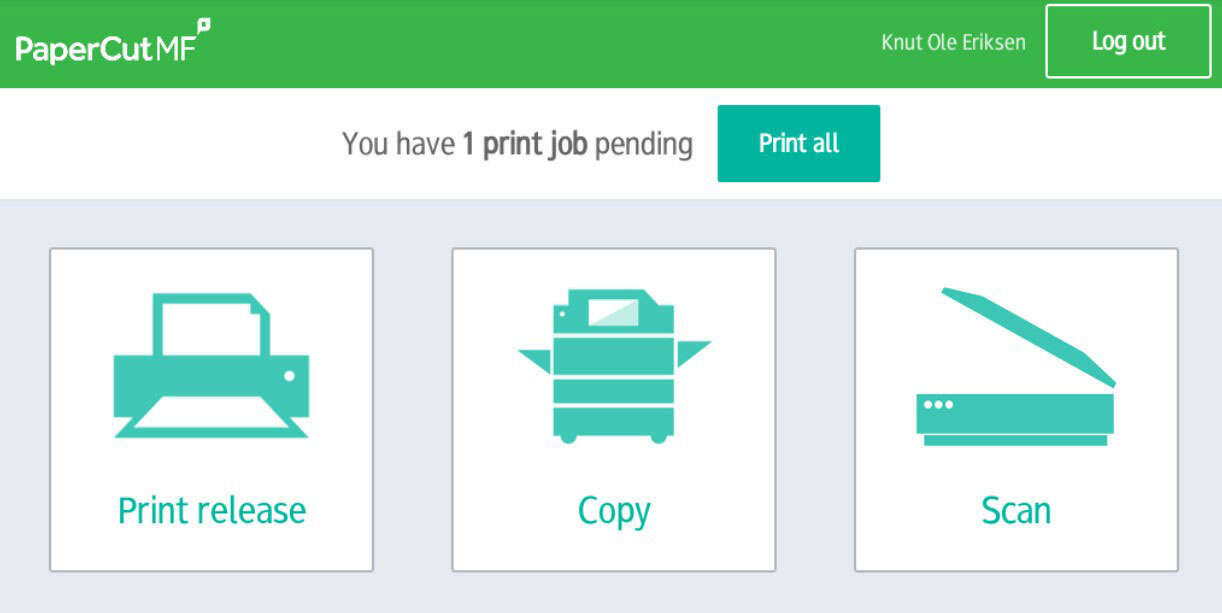
If you only have one document, or several documents that you want to print at the same time. Select 'Print all':
3. Multiple documents, but don't want to print them all at once?
If you have multiple documents queued and don't want to print them all at once, you can select which document you want to print by pressing 'Release Print'.
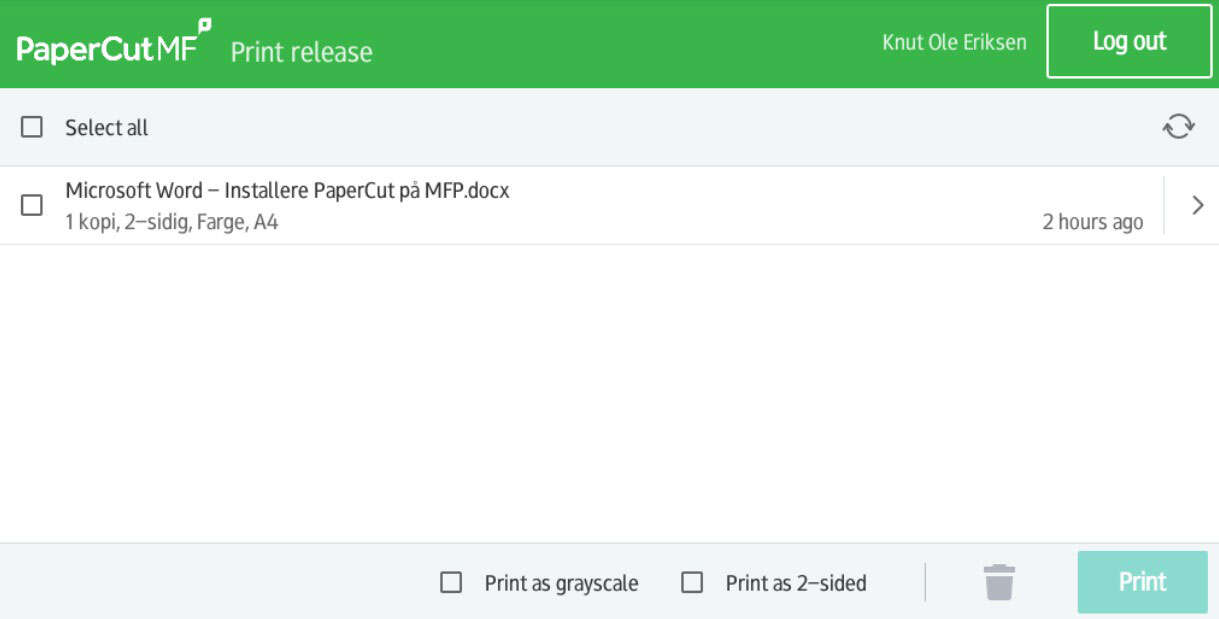
You will then see an overview of all the documents you have ready for printing. Select the document(s) you want to print by ticking the box on the left and finish by clicking 'Print'.