1. Send what you want to print as an attachment to uia-farge@uia.no (colour) and uia-svart-hvitt@uia.no (black and white).
2. You will then receive an email from eprint@uia.no with a PIN code. You must keep this code safe.
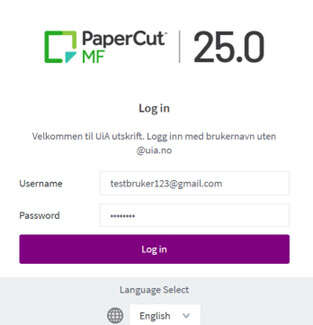
3. Go to print.uia.no.
Username: Your full email address (including @....)
Password: The PIN code you received in your private email
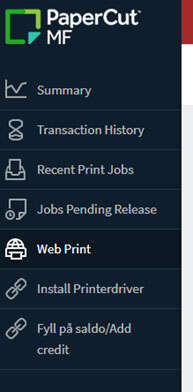
4. Select 'Add credit'
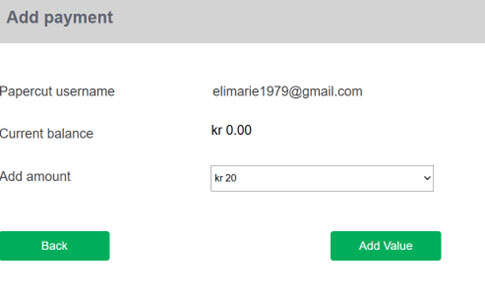
5. Select the desired amount from the drop-down menu and then 'Add value'
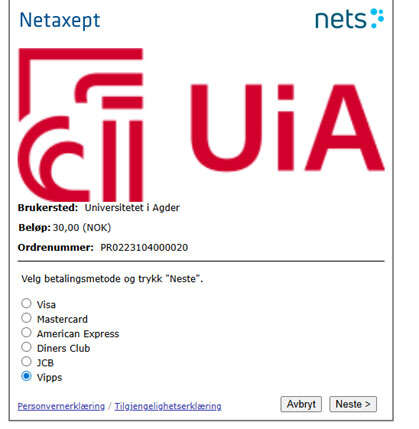
6. Select the desired payment method and follow the steps
7. Go to the selected printer and log in with your PIN code.
Your printout is now ready.