1. Go to the printer and wake it up from sleep mode by pressing the screen.
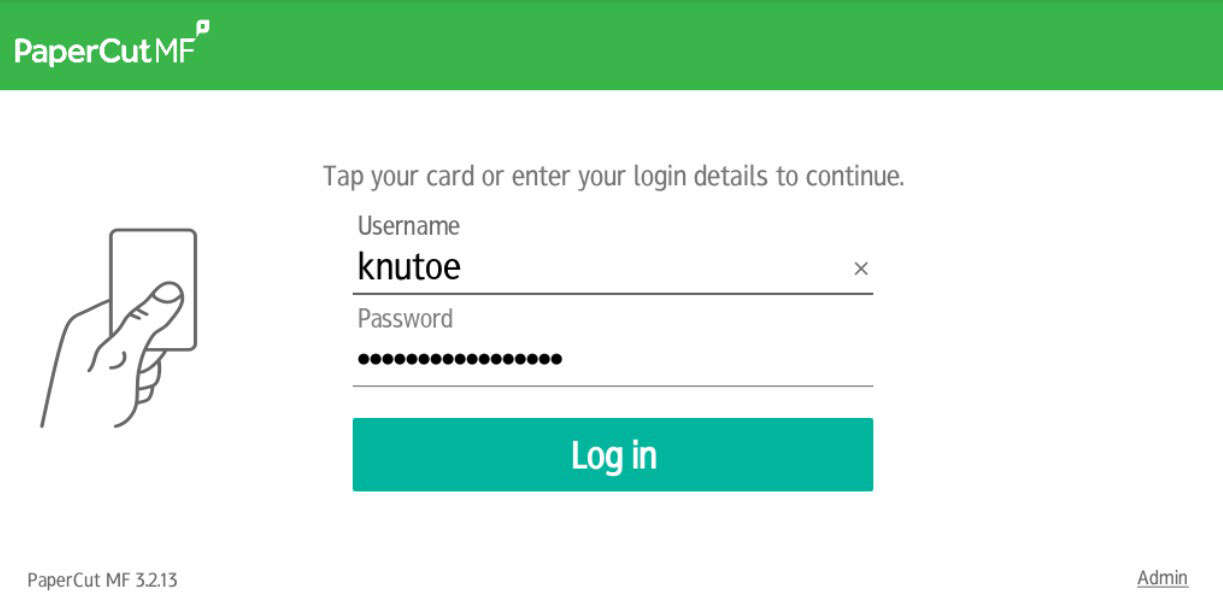
The login screen will then appear:

2. Log in with your card or username and password
Hold your card over the reader by/on the printer. You will then be logged in automatically.
You can also log in with your UiA user account. Tap the blank fields and enter your username (without @uia.no) and password, followed by 'Log in':